Confronting Software Crash Problems on Samsung Galaxy Watch 4
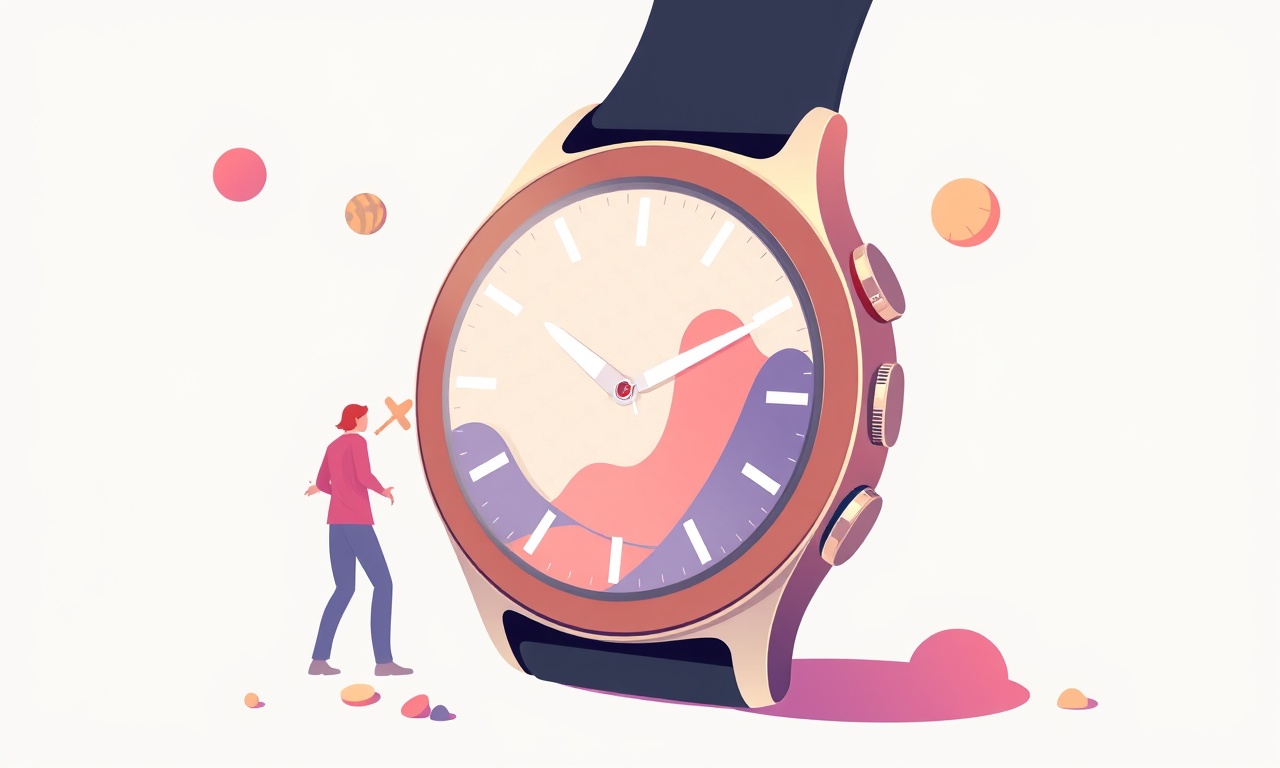
The Samsung Galaxy Watch 4 has become a staple for many who value health tracking, seamless connectivity, and a stylish wearable. Yet, like any device that runs a sophisticated operating system, it can sometimes experience software crashes that interrupt daily use. This article dives into the most common crash scenarios, explains how to diagnose them, and offers a step‑by‑step guide to resolve them. Whether you’re a first‑time owner or a seasoned user, the techniques below will help you keep your watch running smoothly.
What Triggers a Software Crash?
Software crashes on the Galaxy Watch 4 can stem from a variety of causes. Understanding the root problem is the first step toward a permanent fix. The most frequent triggers are listed below.
App‑Related Bugs
The Galaxy Watch 4 runs on Wear OS powered by Samsung, which means third‑party apps can sometimes conflict with the core system. An outdated or poorly coded app may consume too much memory or call functions that the watch can’t handle, resulting in a sudden reboot or freeze.
Operating‑System Glitches
Occasionally, a new OS update can introduce bugs that were not present in previous releases. These glitches might surface only after a specific user action, such as connecting a new peripheral or enabling a particular feature like “Find My Phone.”
Memory Overload
Unlike smartphones, the Galaxy Watch 4 has limited RAM. When you install many apps, watch faces, or widgets, the device can run out of memory. The system may then terminate background processes or crash entirely.
Hardware‑Software Interaction
Even though the watch’s hardware is robust, firmware mismatches or corrupted sensor data can cause software components to fail. For instance, if the heart‑rate sensor detects an error, the health app may crash during data sync.
Corrupted System Files
Over time, firmware updates can leave behind corrupted or missing files. If the system tries to load a damaged file during startup or while executing a task, it may crash.
Quick Diagnostic Checklist
Before diving into deeper troubleshooting, run through this short checklist to pinpoint the problem quickly.
-
Reboot the Watch
Press and hold the power button until the power menu appears, then select Restart. A simple reboot often clears temporary glitches. -
Check for Pending Updates
On the watch, open Settings → System → Software update. If an update is available, install it. Updates often contain bug fixes for known crash issues. -
Observe Crash Patterns
Note when the crash occurs: after a specific app launch, during a workout, or during sleep tracking. Patterns help narrow down the cause. -
Inspect Installed Apps
Open Apps and review recently installed or updated applications. Uninstall any that might be responsible for the crash. -
Monitor Battery and Temperature
High temperatures or a low battery can sometimes force the system to restart. Ensure the watch is fully charged and not overheating.
If none of these steps resolve the problem, follow the detailed troubleshooting guide below.
Step‑by‑Step Fixes
1. Clear Cache and Uninstall Problematic Apps
Many crashes are caused by stale cache data or conflicting app behavior.
- Open Apps and tap the app that frequently crashes.
- Select Storage → Clear Cache (and Clear Data if the crash persists).
- If the issue continues, swipe the app off the screen to uninstall it.
After removing the suspect app, restart the watch and test whether the crash still occurs.
2. Reset App Permissions
Sometimes an app may lack necessary permissions, leading to unexpected termination.
- Go to Settings → Apps → Permissions.
- Review permissions for each app and enable or disable as needed.
- Pay special attention to health‑related apps that require background data access.
3. Perform a Soft Reset
A soft reset clears temporary files without affecting personal data.
- Press and hold the power button for about 7 seconds until the watch restarts.
- Wait for the watch face to appear, then check if the crash has been resolved.
4. Factory Reset the Watch
If crashes persist after the above steps, a factory reset can eliminate deeper system issues. Important: Back up any important data before proceeding.
- Open Settings → General → Reset.
- Choose Factory data reset and confirm.
- The watch will reboot to its original state, removing all user data and installed apps.
After the reset, set up the watch anew, install only essential apps, and monitor stability.
5. Check for System File Integrity
Samsung offers a built‑in diagnostic tool that can detect corrupted files.
- Open the Galaxy Wearable app on your paired phone.
- Tap Watch settings → Advanced → System health.
- Run the Check for issues scan. If any problems are reported, follow the on‑screen instructions to repair them.
Advanced Troubleshooting
A. Use ADB (Android Debug Bridge) to Capture Crash Logs
For users comfortable with developer tools, ADB can provide detailed logs.
- Enable Developer Options on the watch: Settings → About watch → tap Build number seven times.
- Enable USB debugging in Developer options.
- Connect the watch to a PC via a USB‑to‑micro‑USB cable.
- Open a terminal and run
adb logcat. - Reproduce the crash and then stop the log capture.
- Analyze the log for error messages or stack traces that point to the failing component.
B. Install a Custom ROM (Not Recommended for Most Users)
If you are technically inclined, installing a custom ROM can provide a cleaner system. However, this method voids warranties and risks bricking the device. Proceed only if you understand the process and potential consequences.
C. Contact Samsung Support
If software crashes remain stubborn, reach out to Samsung’s support channel. They can provide firmware patches or offer a replacement if the watch is under warranty.
Preventing Future Crashes
1. Keep the System Updated
Samsung regularly releases stability patches. Set your watch to download updates automatically: Settings → System → Software update → toggle Auto‑download.
2. Limit App Installations
Stick to high‑quality, frequently updated apps from the Google Play Store or Samsung Galaxy Store. Avoid “unofficial” or poorly rated applications.
3. Monitor Battery Usage
High battery drain can cause the watch to overheat, which in turn may trigger a system restart. Use Settings → Battery to see which apps consume the most power and adjust their usage accordingly.
4. Regularly Reboot
Even if no crash occurs, performing a soft reset weekly can clear memory leaks and keep the watch healthy.
5. Keep a Backup
Back up your watch data to your paired phone or to the Samsung Cloud. In the event of a system reset, you can restore your preferences and fitness data quickly.
Resources and Further Reading
- Samsung Galaxy Wearable App Help – Official guide for watch settings and troubleshooting.
- Android Developers – Debugging Wear OS Apps – Technical documentation for developers.
- Reddit /r/galaxywatch – Community discussions and user‑shared solutions.
- Samsung Support Center – Contact form and phone number for direct assistance.
By following the diagnostic checklist, applying the step‑by‑step fixes, and implementing preventive measures, most software crashes on the Samsung Galaxy Watch 4 can be identified and resolved. Even though occasional crashes may still happen, a systematic approach ensures that your wearable remains a reliable companion for health monitoring and daily connectivity.
Discussion (10)
Join the Discussion
Your comment has been submitted for moderation.
Random Posts

Solving a Persistent Stain Release Issue on Whirlpool WFW5620HW
Tired of spots on your clothes? Discover how to diagnose and fix the stubborn stain release problem on your Whirlpool WFW5620HW with our step-by-step guide.
9 months ago

De'Longhi DL150 Steam Iron Water Recirculation Failure Solution
Trouble with your DeLonghi DL150 steam iron? Learn why water recirculation fails, diagnose the issue, and follow our simple step by step solution to restore steady steam and wrinkle free clothes.
3 months ago

Resolving Lenovo Mirage Solo Bluetooth Pairing Issues
Fix Lenovo Mirage Solo Bluetooth glitches fast with this step by step guide. From simple checks to firmware hacks, reconnect your headset, controllers, and peripherals in minutes.
2 months ago
Lenovo SmartEyewear X Eye Tracking Error Troubleshoot
Get your Lenovo SmartEyewear X eye tracking back with our step-by-step guide. Diagnose glitches, reset settings, and restore smooth gaze navigation quickly.
3 months ago

Calibrating Noise‑Cancellation on Beats Studio Buds
Master Beats Studio Buds ANC: learn the science, step, by, step calibration, and troubleshooting to silence distractions and boost your listening experience.
10 months ago
Latest Posts

Fixing the Eufy RoboVac 15C Battery Drain Post Firmware Update
Fix the Eufy RoboVac 15C battery drain after firmware update with our quick guide: understand the changes, identify the cause, and follow step by step fixes to restore full runtime.
5 days ago

Solve Reolink Argus 3 Battery Drain When Using PIR Motion Sensor
Learn why the Argus 3 battery drains fast with the PIR sensor on and follow simple steps to fix it, extend runtime, and keep your camera ready without sacrificing motion detection.
5 days ago

Resolving Sound Distortion on Beats Studio3 Wireless Headphones
Learn how to pinpoint and fix common distortion in Beats Studio3 headphones from source issues to Bluetooth glitches so you can enjoy clear audio again.
6 days ago